
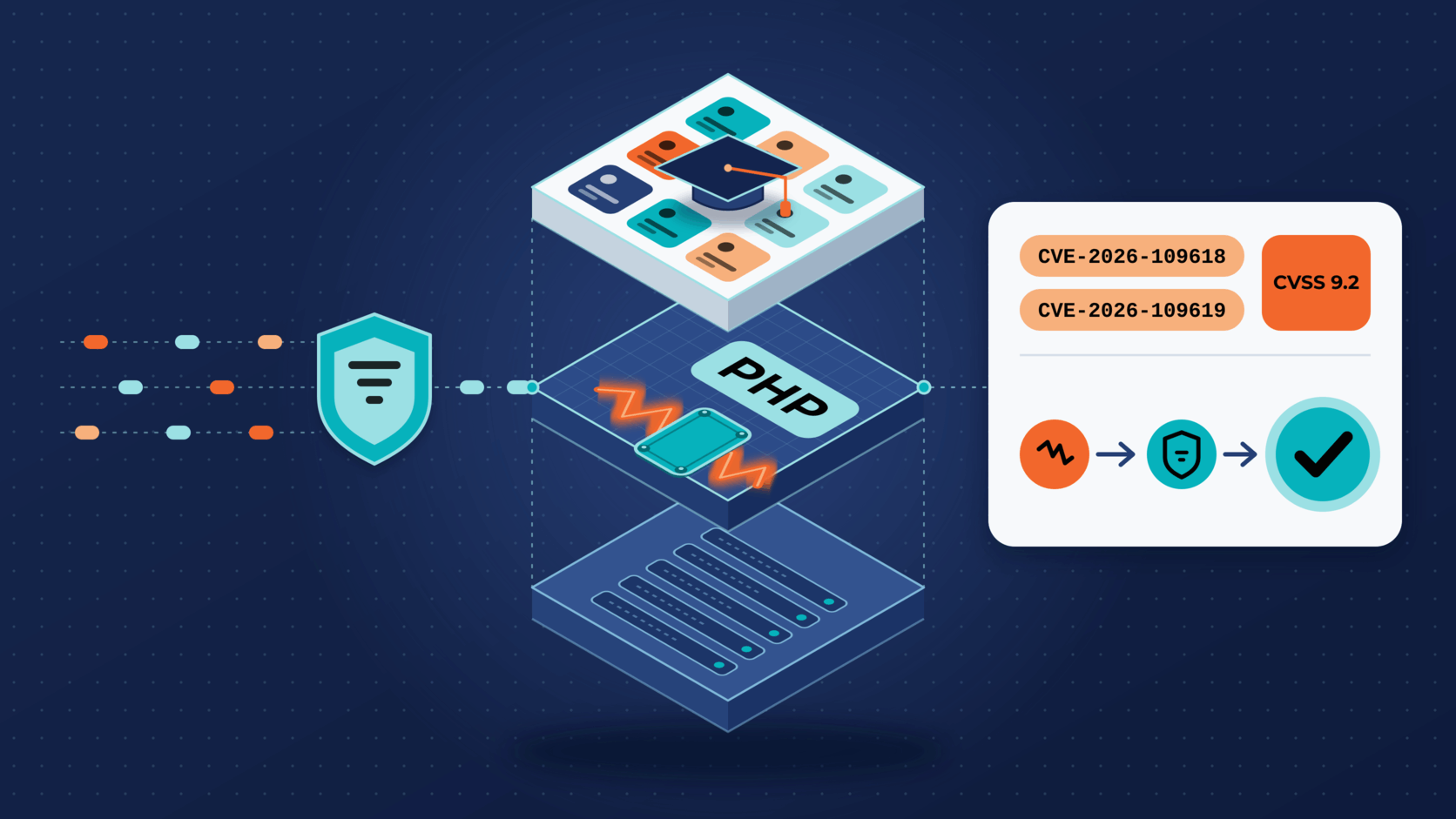
On October 21, 2026, the PHP project released emergency fixes for two critical vulnerabilities, CVE-2026-109618 and CVE-2026-109619, publicly known as PHP2Shell. PHP states that both can allow unauthenticated remote code execution. (PHP )
The flaws are in PHP, not in Moodle™ LMS, but every Moodle LMS site runs on PHP and needs attention.
For Krestomatio customers: the Moodle LMS sites we manage now run on a patched PHP release. You do not need to take any action.
What PHP2Shell is
PHP2Shell covers two related bugs in how PHP handles a web request:
- CVE-2026-109618, memory corruption on out-of-memory. If PHP runs out of memory while request data is only partly set up, cleanup code can later treat that invalid data as valid. (PHP ) (GitHub )
- CVE-2026-109619, stale state between requests. Request state can outlive the memory it points to. The next request served by the same PHP worker can then act on it. (PHP ) (GitHub )
Both are rated 9.2 (Critical) in CVSS v4.0. (GitHub ) (GitHub ) PHP considers every installation that serves web requests in scope, including PHP-FPM, Apache mod_php, php-cgi, FrankenPHP, and LiteSpeed. It rates mod_php as the highest risk, “with a demonstrated exploit where an unauthenticated request can trigger the attack before any application code runs.” (PHP )
In the most exposed Moodle LMS setups, the attack runs before any Moodle code does. Logins, roles, and permissions never get a chance to stop it, so the fix has to happen in PHP.
CERT-EU reports that technical details are public and proofs of concept are circulating, which it says “raises the likelihood that attackers are already exploiting the vulnerabilities.” (CERT-EU ) Moodle HQ temporarily took its own public sites offline as a precaution. (Moodle.org )
What we did for managed sites
We responded in two steps and applied each one to every managed site at the same time.
- Right away, we turned off PHP’s session upload progress feature, which PHP lists as an interim measure for CVE-2026-109619. (PHP ) Before the change, we confirmed that neither Moodle LMS core nor the plugins we provide use it.
- We then rebuilt our Moodle LMS images on the patched PHP release, verified the PHP build inside each image, and rolled the images out to all managed sites.
The feature stays off after the upgrade. The patch fixes both flaws, but Moodle LMS does not need session upload progress, so we see no reason to turn it back on.
Each site also runs separately, without root privileges, behind network policies that restrict its connections. Those layers limit the impact of an attack but would not make an unpatched PHP safe.
Where a managed service helps
A self-hosted team has to do this work on short notice. Someone must find the PHP build that serves the site and change its configuration safely, then restart services outside peak hours. With a managed service, that becomes one coordinated change made by staff who do it routinely. Your team keeps control of courses, users, and plugins while we operate the platform underneath. For the broader operating practices behind this work, read LMS security after the Canvas incident .
PHP2Shell steps for Moodle LMS administrators
If you run Moodle LMS yourself, or a provider runs it for you, check these points now.
Find the PHP that serves your site. Open Moodle’s PHP information page (
/admin/phpinfo.php). The command-linephp -vcan report a different build. Moodle’s environment check confirms a minimum PHP version, but it does not show whether a build includes these fixes.Update PHP, then restart it. Install PHP 8.2.35, 8.3.36, 8.4.27, or 8.5.12, or a Linux distribution package that includes the fixes. Restart every PHP worker or web server, because running processes keep the old code. (PHP ) (CERT-EU )
Match the PHP version to your Moodle LMS release. Use a patched PHP branch that your release supports. (Moodle Developer Resources ) (Moodle Developer Resources )
Moodle LMS Supported PHP What to do 4.5 LTS 8.1 to 8.3 Use 8.2.35 or 8.3.36. PHP 8.1 gets no new releases from the PHP project. 5.1 8.2 to 8.4 Use 8.2.35, 8.3.36, or 8.4.27. 5.2 8.3 to 8.4 Use 8.3.36 or 8.4.27. 4.4 and 5.0 8.1 to 8.3 (4.4), 8.2 to 8.4 (5.0) Patch PHP now. Moodle security support has ended, so plan a Moodle LMS upgrade. 4.1 LTS Up to 8.1 No upstream patched PHP exists for this release. A vendor backport can bridge the gap, but plan a Moodle LMS upgrade. If you cannot patch today, reduce exposure. Set
session.upload_progress.enabled = 0inphp.ini, the PHP-FPM pool, or the web server configuration (not withini_set()or.user.ini), then restart PHP. (PHP ) Our review found that Moodle LMS core and the plugins we provide do not use this feature, but check any additional plugins you run. PHP also lists other partial measures, such as removing the memory limit; review their trade-offs first. If you cannot patch soon, CERT-EU recommends taking internet-facing systems off public networks. (CERT-EU ) PHP warns that these measures “reduce exposure to specific attack paths but do not make an installation safe.” (PHP )Look for signs of compromise. Check PHP and web server logs for memory-exhaustion errors and crashed workers. Search the Moodle code directory and moodledata for unfamiliar PHP files, and look for administrator accounts or plugins that nobody created. If you find any of these, isolate the site, keep the logs, and rotate the administrator credentials and the database password in
config.php.
Keeping PHP current
A Moodle LMS site depends on PHP, the web server, and the operating system, and on someone to keep them up to date. Until PHP is patched, the step 4 measures only reduce exposure.
If your team would rather not handle the next PHP or Moodle LMS emergency on its own, explore our plans or tell us what you need .
Trademark note: Moodle and associated Moodle logos are trademarks or registered trademarks of Moodle Pty Ltd or its related affiliates. This article uses Moodle marks only to identify and discuss Moodle LMS and related services, following Moodle’s published trademark guidance. (Moodle Trademark Guidelines )